
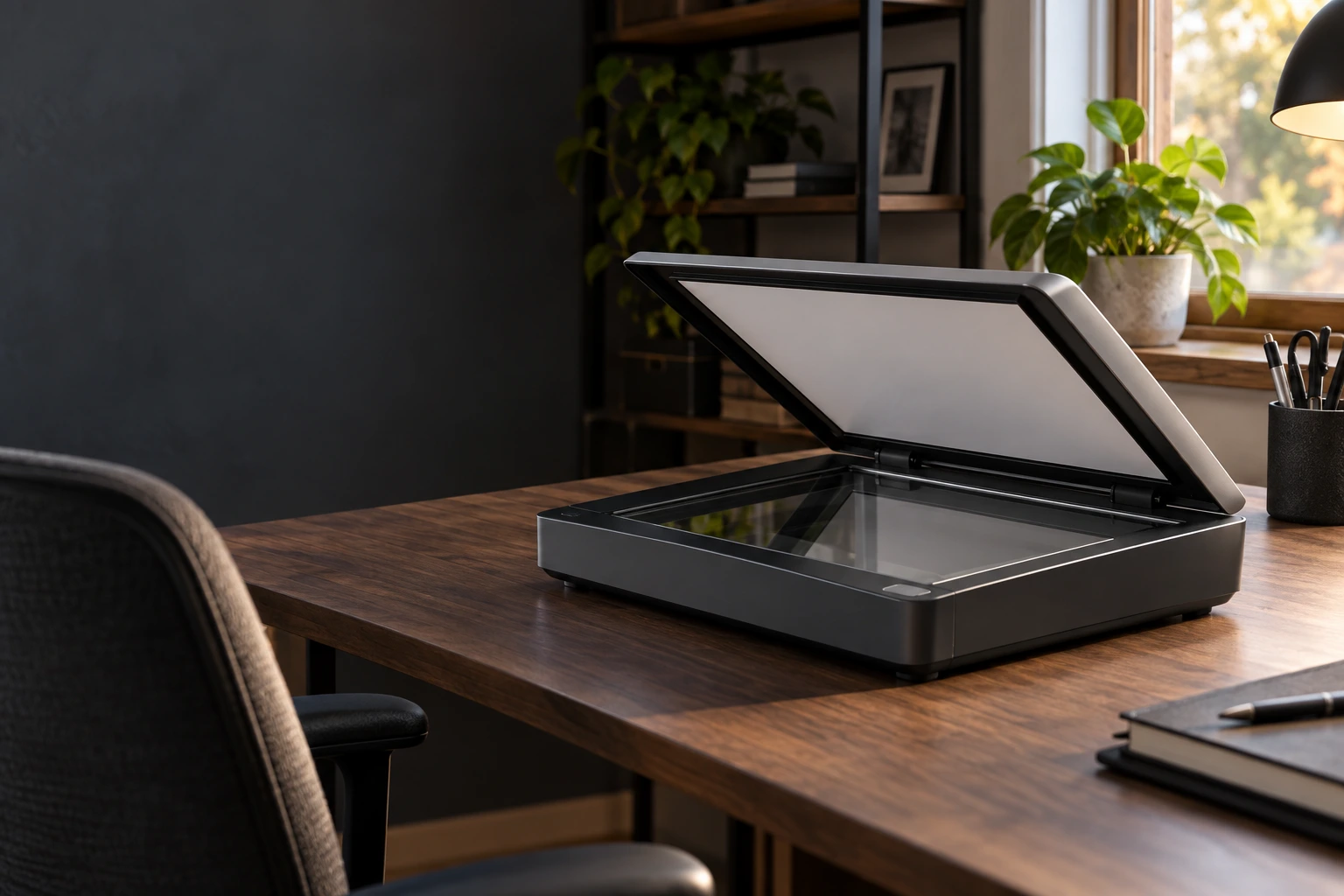
Scanner troubleshooting
Restore a dependable route from paper to digital files.
Scanner troubleshooting in Greater Austin. We investigate connection, driver and application problems, then verify scanning to the destination you use.

AT YOUR HOME
OR OFFICE
IN GREATER AUSTIN

TARGETED DIAGNOSIS
Scanner connection checks.

CLEAR APPROVAL
Understand the proposed work before changes begin.

ON-SITE SERVICE
Help at your home or office in Greater Austin.

RELEVANT TESTING
Test scan and file verification.

WHEN YOU NEED REPAIR
When scanning becomes unreliable
We trace the symptom before recommending a fix. The agreed checks help separate configuration problems from faults that need parts or a different service.

Computer cannot detect the scanner
We start with scanner connection checks to understand what is needed.
Scanning application reports an error
The agreed scope includes driver and application review.
Scans do not reach the selected folder
We explain the next step and finish with test scan and file verification.
GET DOCUMENTS SCANNED
KEEP YOUR PAPERWORK MOVING
VERIFIED RESULTS
SERVICE DETAILS
Exactly what’s included
The agreed service covers the items below. Separate work and purchases are quoted for your approval.
INCLUDED IN SERVICE

Scanner connection checks
Driver compatibility review
Scan app settings review
Approved scan fixes
Test scan & file check
Findings & next steps

SEPARATELY

Replacement parts
Software licenses
Scanner hardware repair
Additional scanners
Network hardware repair
Windows reinstallation
SERVICE PROCESS
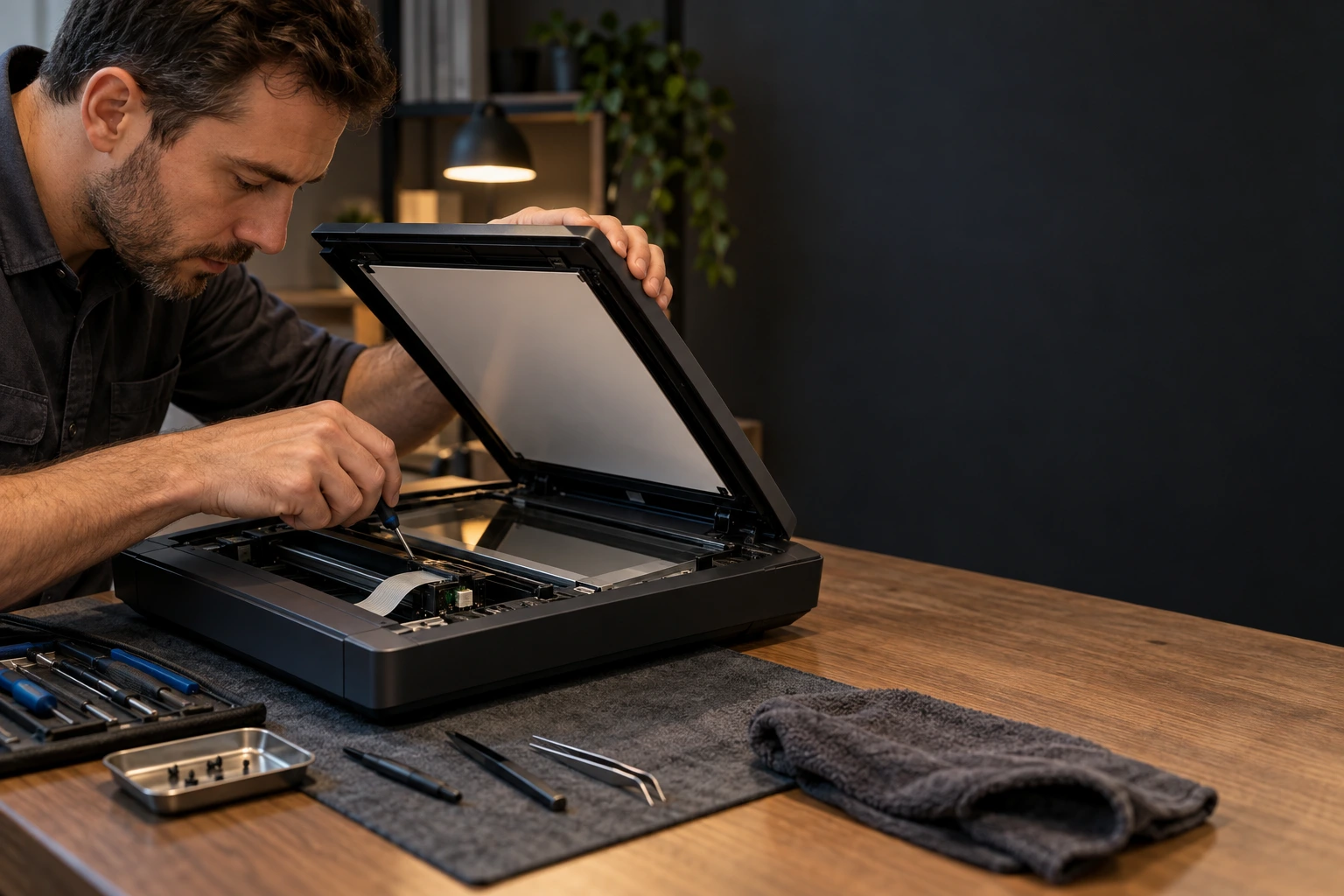
Your scanner troubleshooting process
Your scanner troubleshooting follows a clear sequence, from the initial discussion to the relevant checks at handover.
01

ASSESS
We discuss your request and complete scanner connection checks.
02
DIAGNOSE
We confirm requirements and complete driver and application review before proceeding.
03
RESOLVE
We carry out save-destination checks within the approved scope.
04
RECHECK
We finish with test scan and file verification and explain the outcome.
WHY OUR SERVICE IS PREMIUM
Check the scanner from connection to output
We trace the symptom before recommending a fix. The agreed checks help separate configuration problems from faults that need parts or a different service.

LINK CHECKED
Check the scanner link and reported errors.
SOFTWARE REVIEWED
Review the scan app and supported driver.
SCAN VERIFIED
Verify a sample scan and its saved output.

RESULT EXPLAINED
Explain remaining faults and practical next steps.
THOROUGH & TRANSPARENT
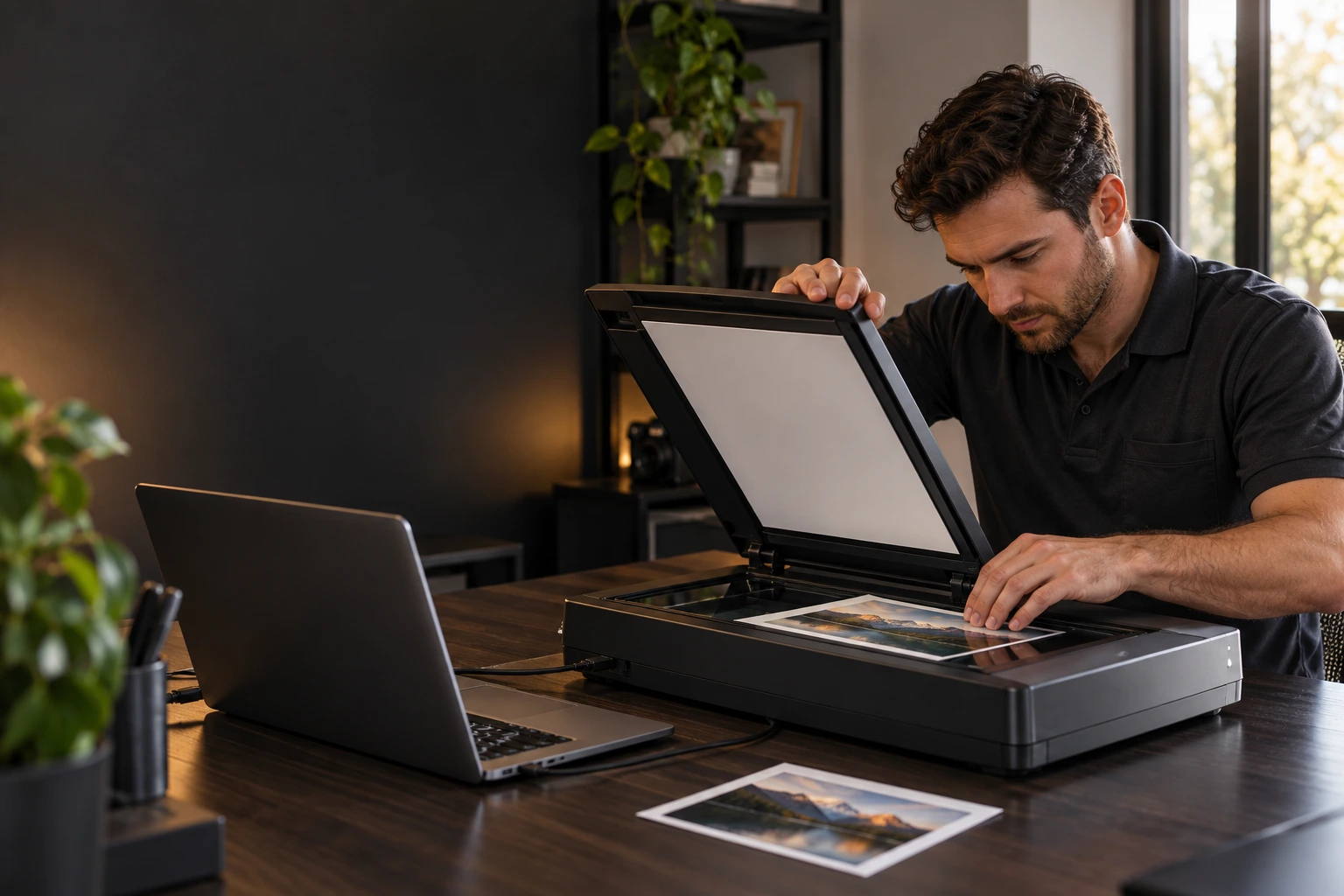
What we check before and after
We check scanner troubleshooting against the agreed scope, then document the result and any remaining concerns.
BEFORE SERVICE BEGINS
Review the device, requirements and agreed scope.
Scanner model and errors
USB or network connection
Driver and scan app
Scan settings reviewed
Sample document agreed
Troubleshooting approved
AFTER SERVICE CHECKS
Verify completed work and explain the outcome.
Sample scan attempted
Scanner connection checked
Image output reviewed
Save location checked
Remaining faults explained
Scanning guidance provided
TRANSPARENT PRICING
Scanner troubleshooting pricing
Service labor is $169 per hour. We discuss the expected work before starting.
$169
PER HOUR · LABOR
Scanner connection checks
Save-destination checks
Test scan and file verification
Scope agreed before work
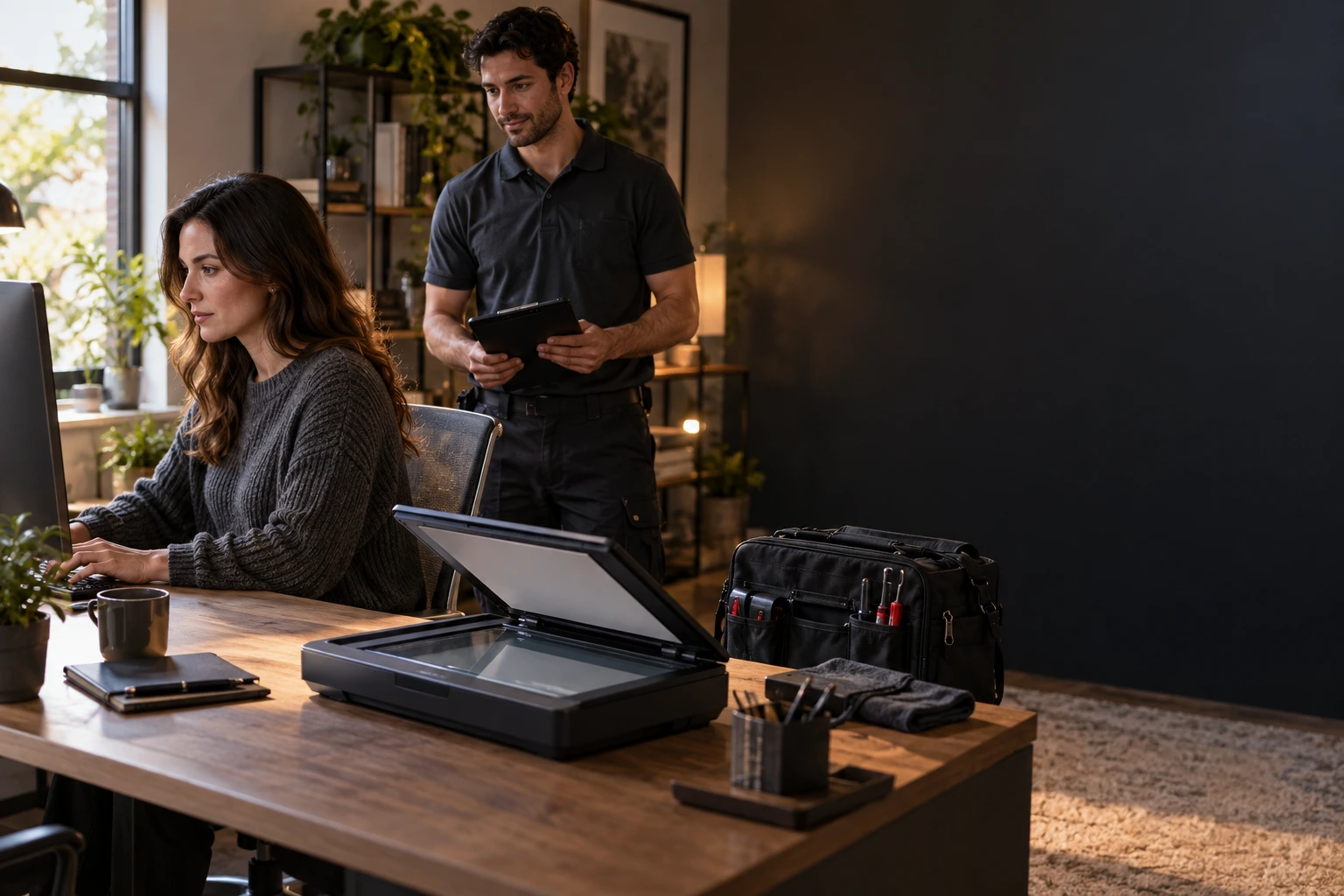

SAMPLE SCAN AGREED
Use a non-sensitive page for the agreed test.

OUTPUT LOCATION AGREED
You choose where we save the test scan.

ACCESS KEPT RELEVANT
Checks stay within scanner settings and the scan app.

NO VISIT RECORDING
We do not record video during the service visit.
PRIVACY & CARE
Your scanned documents stay private
Checks focus on scanner troubleshooting. You control account access and approve any work that could affect personal files.
FREQUENTLY ASKED QUESTIONS
Scanner troubleshooting FAQ
What does scanner troubleshooting include?

How much does scanner troubleshooting cost?
Can you help if computer cannot detect the scanner?
We begin with scanner connection checks. If another service or replacement equipment is needed, we explain it before proceeding.
What should I have ready?
Is unrelated work included?
No. Replacement parts, Unrelated faults or extra devices, Data backup or recovery are outside this service. Any additional work is discussed separately.
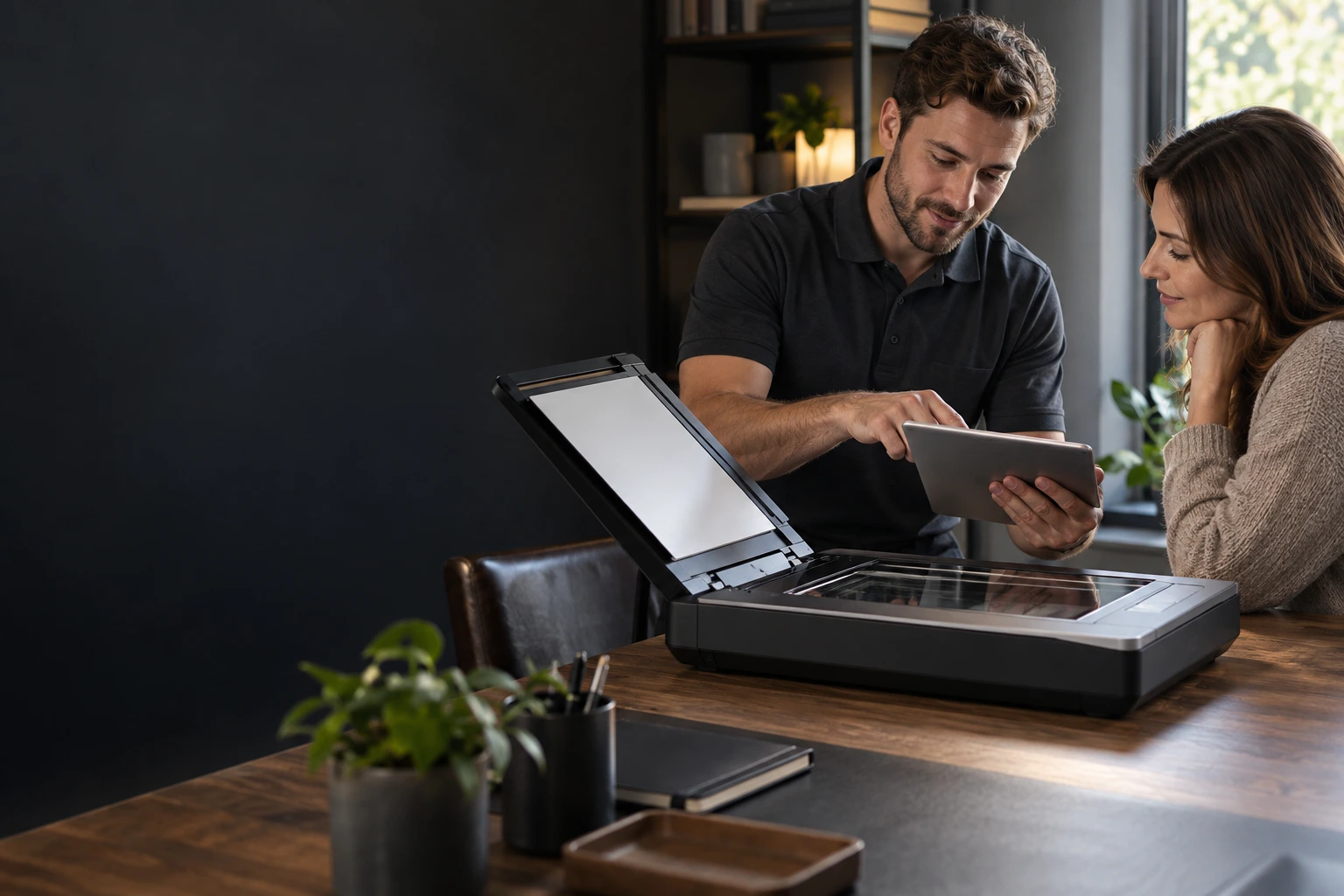
CLEAR RESULTS
Your repair, documented
Your report records the agreed scanner troubleshooting, the checks completed and any remaining requirement.
YOU WILL RECEIVE
Completed scanner troubleshooting scope

Notes from scanner connection checks
Results of agreed function checks
Remaining concerns and recommended next steps
Any separate work discussed with you

Digital service report by email
REVIEWS OF TEXET SERVICES
Trusted by homes and businesses
We’ve helped customers across Greater Austin get more life from their computers with professional, reliable service and honest advice.

“The scanner suddenly stopped communicating with my computer even though printing still worked. TEXET fixed the software and connection issue.”
Helen R.
Austin, TX
“My scans were failing halfway through and I couldn't tell whether the problem was the scanner or Windows. They narrowed it down and corrected the configuration.”
Wesley P.
Cedar Park, TX
“I could open the scanner software but nothing would save correctly. The settings and permissions were fixed and a test scan worked normally.”
Pamela T.
Pflugerville, TX
“I appreciated that they tested the actual scanning workflow I use rather than just checking whether the device showed as connected.”
Martin H.
Leander, TX

LET’S MAKE IT HAPPEN
Request scanner troubleshooting
Restore a dependable route from paper to digital files.

Clear scope

Professional care

Trusted by Texans
Call us: (512) xxx xx xx
REQUEST SERVICE

We are online
By submitting this request, you agree to the TEXET AI assisted support, Terms of Service and Privacy Policy.


