
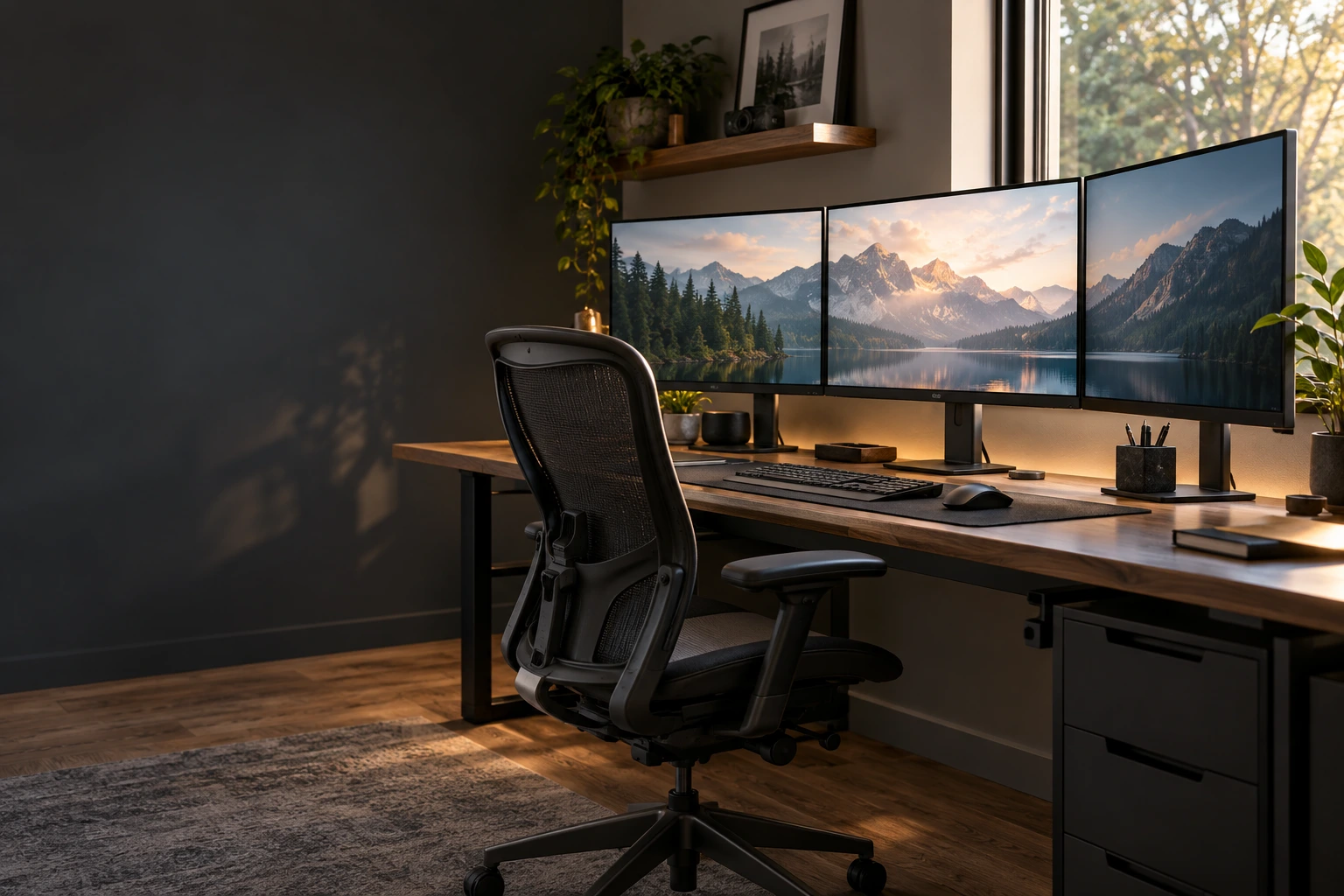
Multi-monitor setup
Build a display arrangement that works across your screens.
Multi-monitor setup in Greater Austin. We check outputs and connections, arrange the displays and configure a practical desktop layout with your preferred scaling.

AT YOUR HOME
OR OFFICE
IN GREATER AUSTIN

READY FOR YOUR TASK
Port and display compatibility review.

CLEAR SCOPE
Agreed monitor connections.

CAREFUL CONFIGURATION
Display order and primary screen setup.

PRACTICAL HANDOVER
Multi-display function test.
GET READY FOR SERVICE
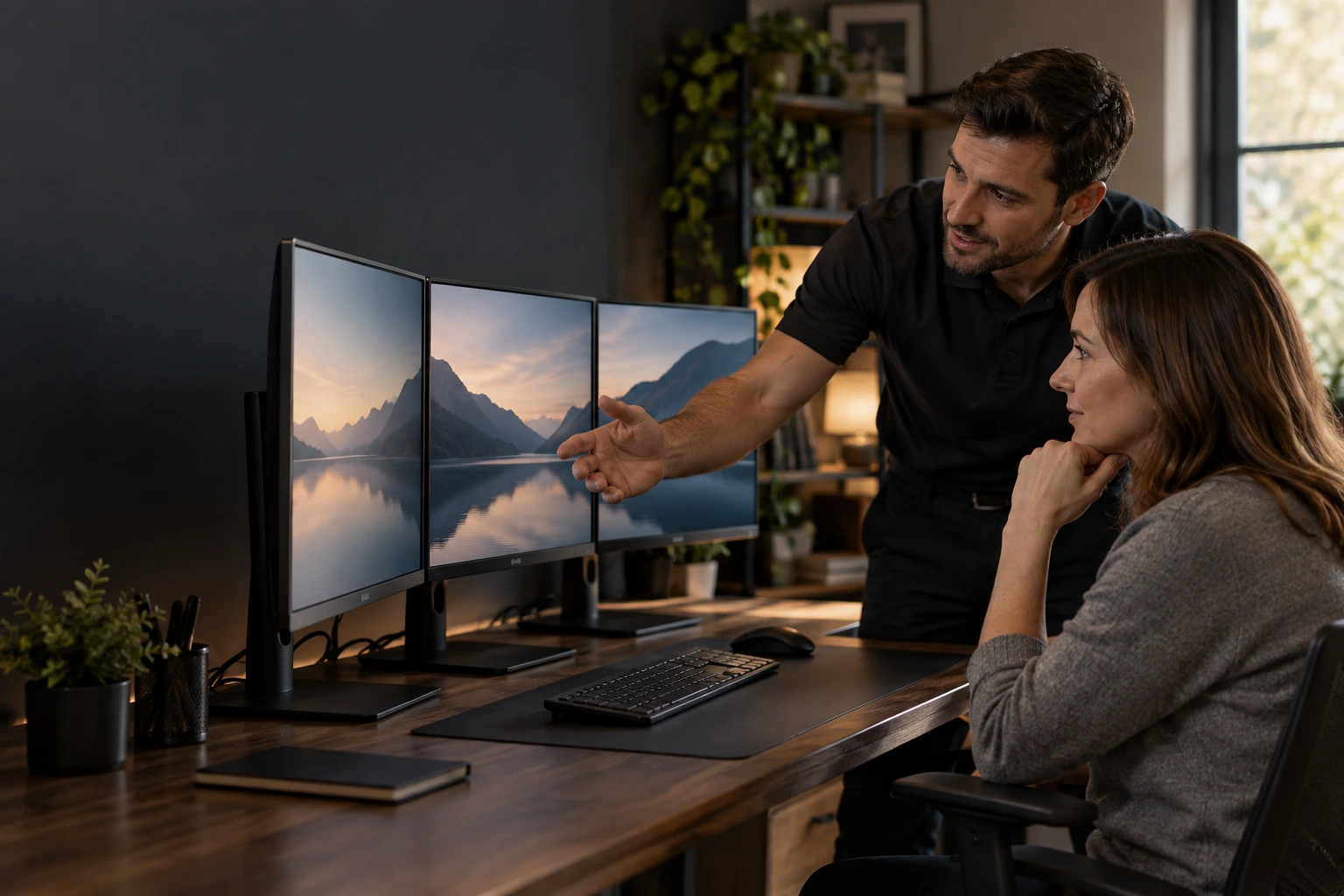
Make multiple displays behave as one workspace
A good setup connects the right equipment and verifies the tasks you need. We check compatibility and explain any requirement before configuring your device.

Screens appear in the wrong order
We start with port and display compatibility review to understand what is needed.
A second display is not configured
The agreed scope includes agreed monitor connections.
Connections need adapters or review
We explain the next step and finish with multi-display function test.
KEEP MORE WORK IN VIEW
SWITCH BETWEEN WINDOWS LESS
VERIFIED RESULTS
SERVICE DETAILS
Exactly what’s included
The agreed service covers the items below. Separate work and purchases are quoted for your approval.
INCLUDED IN SERVICE

Display support review
Agreed monitor connections
Desktop layout settings
Resolution & scaling
Primary display setup
Multi-display function test

SEPARATELY

Monitor purchases
Cables & adapters
Docking station
Monitor arms
Wall mounting
Display repairs
SERVICE PROCESS
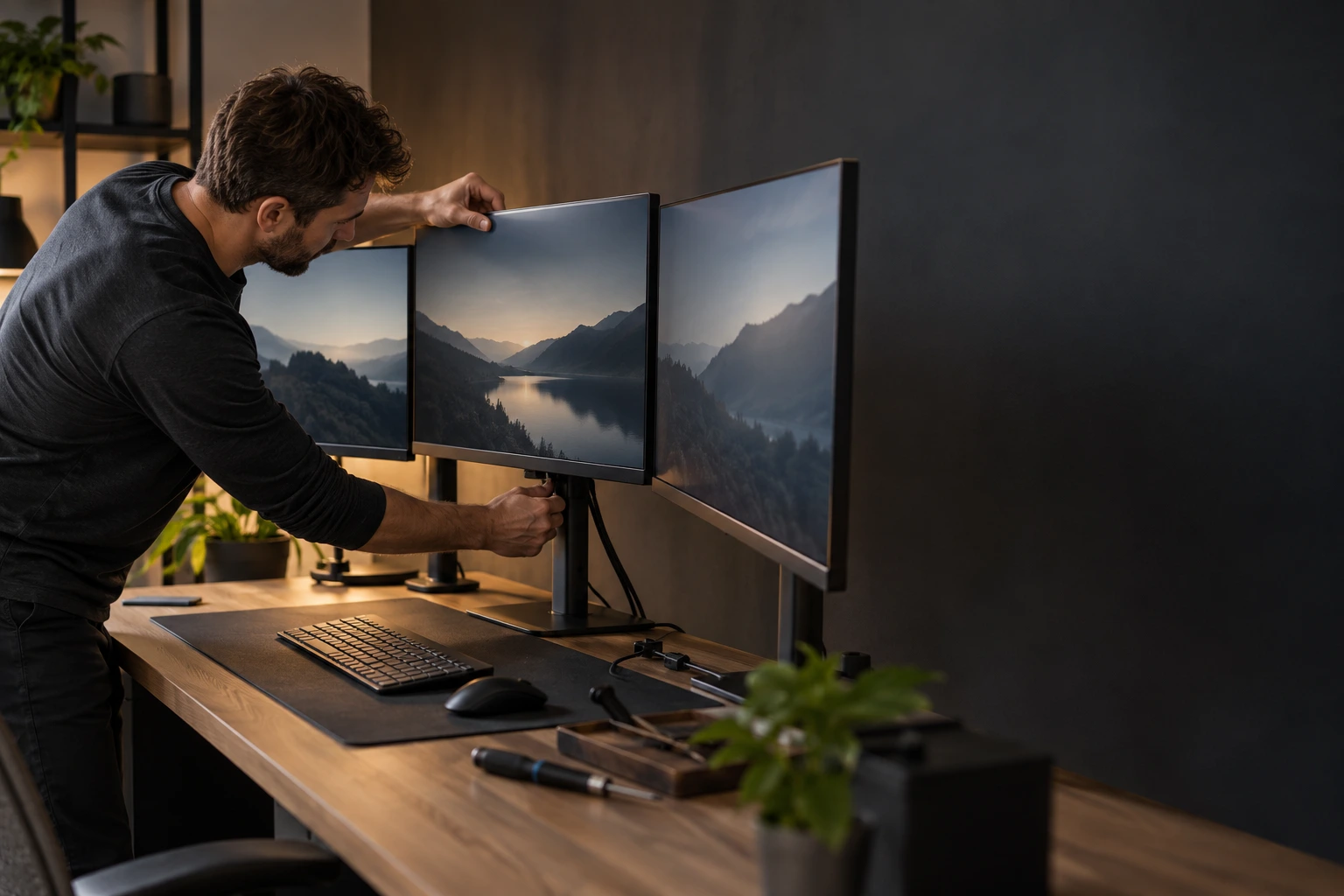
From preparation to handover
Your multi-monitor setup follows a clear sequence, from the initial discussion to the relevant checks at handover.
01

PLAN
We discuss your request and complete port and display compatibility review.
02
PREPARE
We confirm requirements and complete agreed monitor connections before proceeding.
03
CONFIGURE
We carry out display order and primary screen setup within the approved scope.
04
VERIFY
We finish with multi-display function test and explain the outcome.
WHY OUR SERVICE IS PREMIUM
Screens arranged for your workflow
A good setup connects the right equipment and verifies the tasks you need. We check compatibility and explain any requirement before configuring your device.

SUPPORT CHECKED
Check computer outputs and display support.
LAYOUT AGREED
Arrange screens to match your desk and workflow.
SCALING REVIEWED
Set supported resolution and suitable scaling.

DISPLAYS TESTED
Check each display and window movement.
THOROUGH & TRANSPARENT
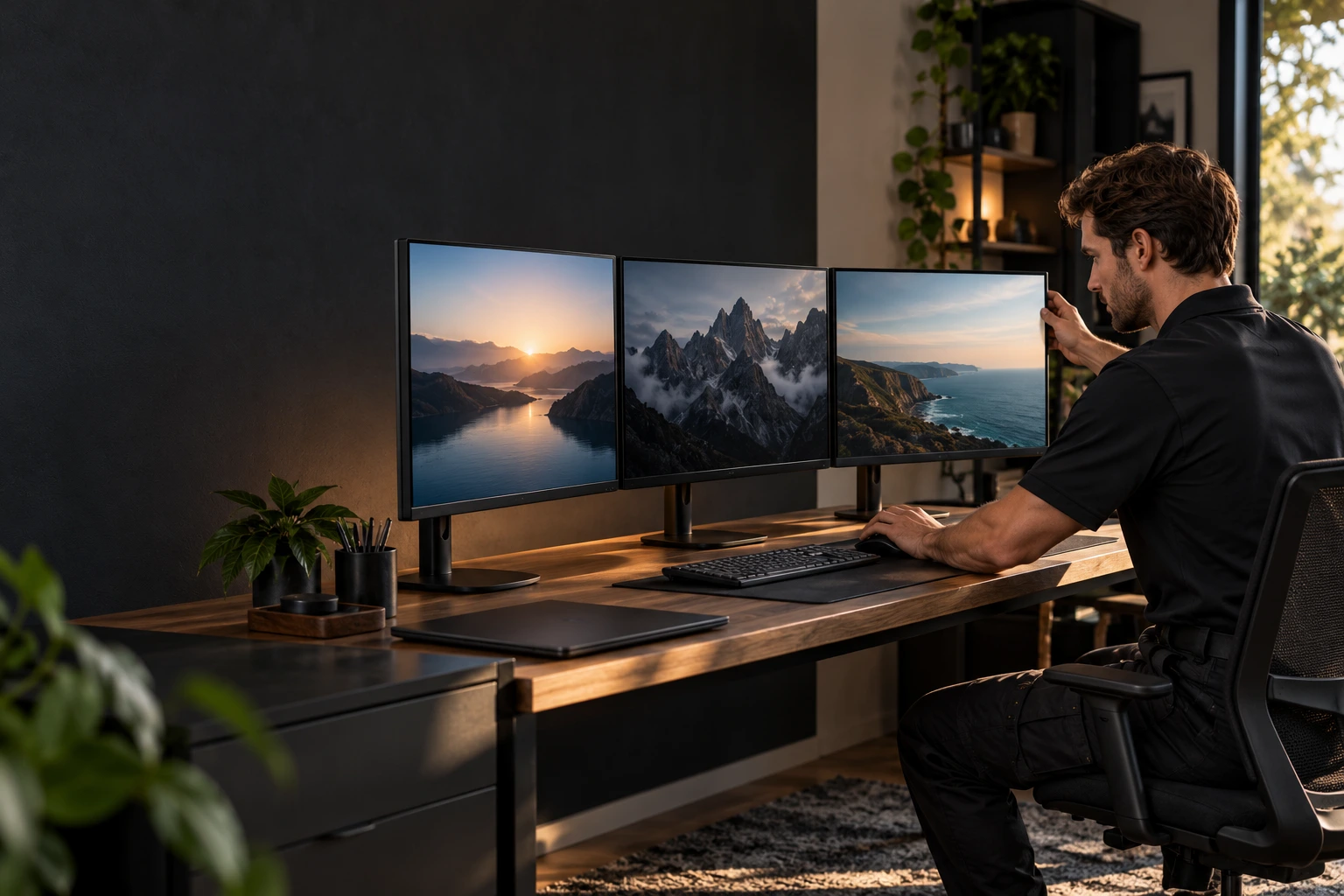
What to prepare before service
We record the starting condition and requirements for multi-monitor setup, then check the relevant outcome.
SCREENS & PC
Check the equipment needed for the agreed service.
Agreed monitors available
Computer to connect available
Power and available video cables
Desk space for the screen layout
Preferred display order discussed
Output support checked by TEXET
LAYOUT & ACCESS
You control sign-in, permissions and approvals.
You control computer sign-in
Display settings access available
Private windows kept closed
Extend or mirror mode agreed
Resolution and scaling reviewed
Multi-monitor scope confirmed
TRANSPARENT PRICING
Multi-monitor setup pricing
One service price of $139 for the agreed scope. Each additional monitor is $139; required parts are separate.
$139
FIXED SERVICE PRICE
Port & display checks
Display order & main screen
Multi-display function test
Scope agreed before work
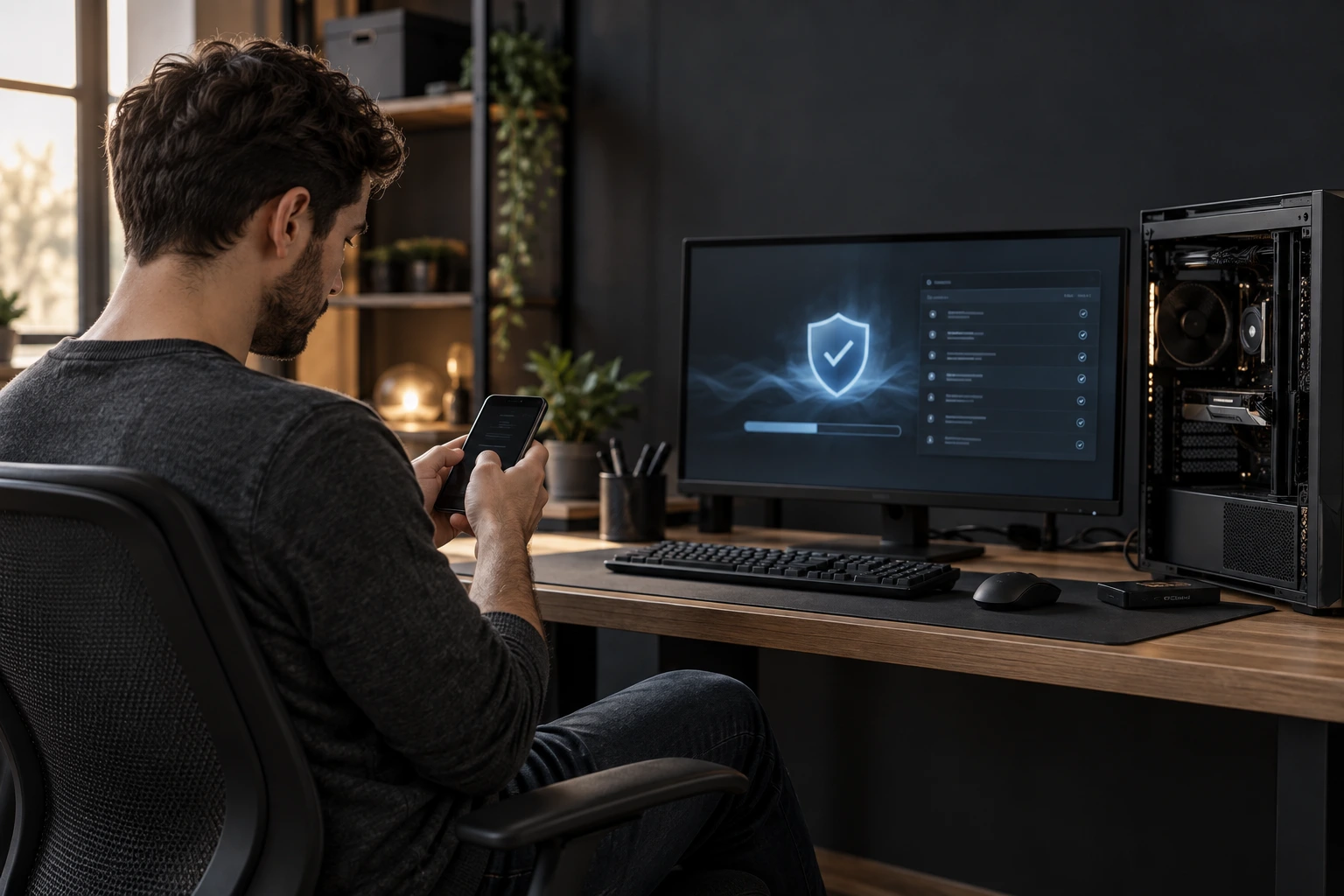

DISPLAY LAYOUT ONLY
Checks focus on screen arrangement and display output.

PRIVATE WINDOWS CLOSED
Close private windows before we test screen movement.

YOU CONTROL SIGN-IN
You sign in if display configuration requires it.

NO VISIT RECORDING
We do not record video during the service visit.
PRIVACY & CARE
Your screens, your privacy
Checks focus on multi-monitor setup. You control account access and approve any work that could affect personal files.
FREQUENTLY ASKED QUESTIONS
Multi-monitor setup FAQ
What does multi-monitor setup include?

How much does multi-monitor setup cost?
Can you help if screens appear in the wrong order?
We begin with port and display compatibility review. If another service or replacement equipment is needed, we explain it before proceeding.
What should I have ready?
Is unrelated work included?
No. Device, cables or adapters, Repair of faulty hardware, Data transfer or recovery are outside this service. Any additional work is discussed separately.
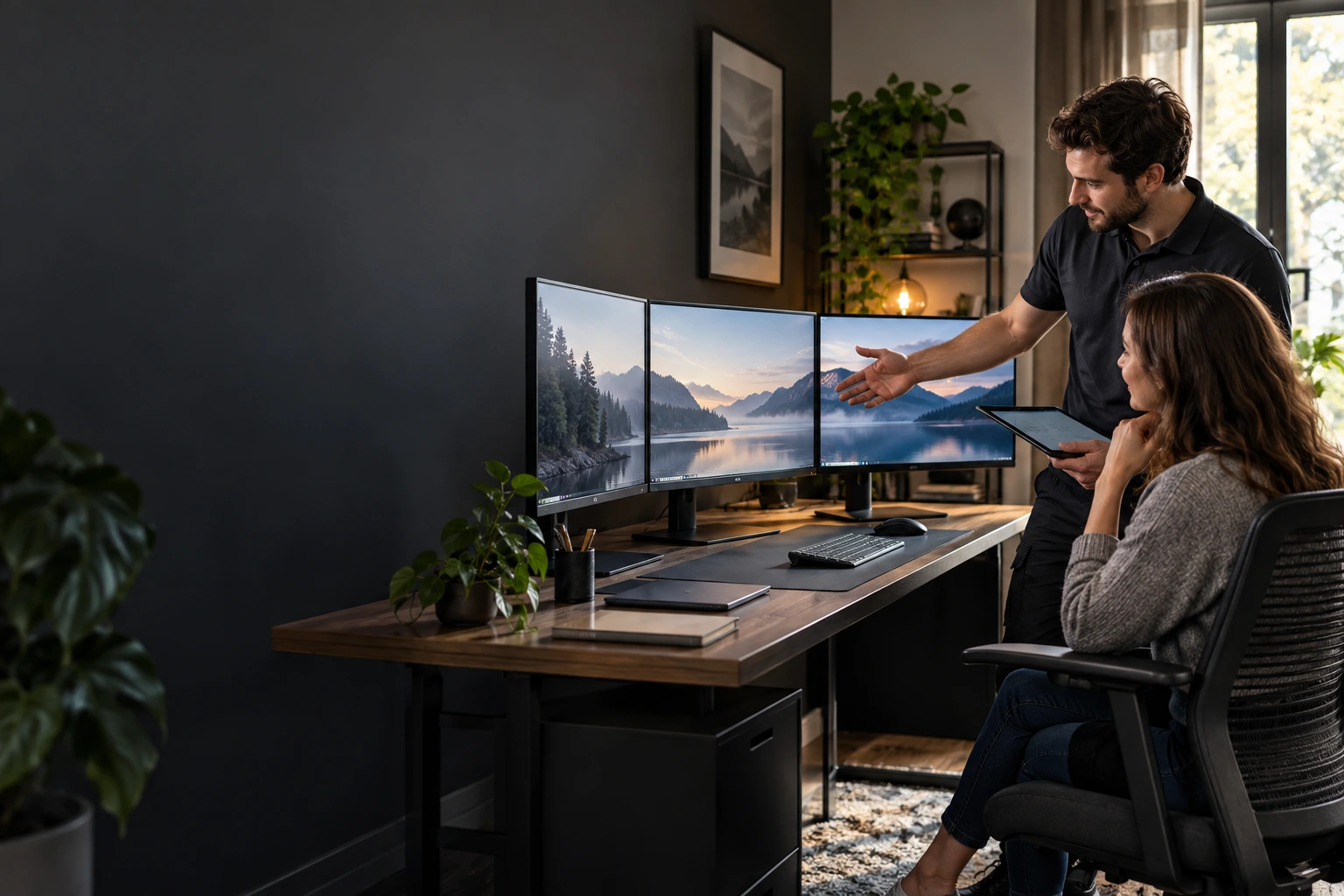
CLEAR RESULTS
Your setup, documented
Your report records the agreed multi-monitor setup, the checks completed and any remaining requirement.
YOU WILL RECEIVE
Completed multi-monitor setup scope

Notes from port and display compatibility review
Results of agreed function checks
Remaining concerns and recommended next steps
Any separate work discussed with you

Digital service report by email
REVIEWS OF TEXET SERVICES
Trusted by homes and businesses
We’ve helped customers across Greater Austin get more life from their computers with professional, reliable service and honest advice.

“I needed three displays arranged correctly for work and was having problems with the dock. TEXET got all of them detected and configured the layout in Windows.”
Andrew P.
Austin, TX
“My two monitors had different scaling and kept opening windows in strange places. The display arrangement and settings were corrected.”
Melissa C.
Cedar Park, TX
“I wasn't sure whether my laptop could actually support the displays I already owned. They checked the setup and got both monitors working together.”
Jason H.
Pflugerville, TX
“The final setup feels much more natural now that the monitor positions, scaling and primary display all match the physical desk.”
Erin T.
Leander, TX
LET’S MAKE IT HAPPEN
Request multi-monitor setup
Build a display arrangement that works across your screens.

Clear scope

Professional care

Trusted by Texans
Call us: (512) xxx xx xx
REQUEST SERVICE

We are online
By submitting this request, you agree to the TEXET AI assisted support, Terms of Service and Privacy Policy.


