
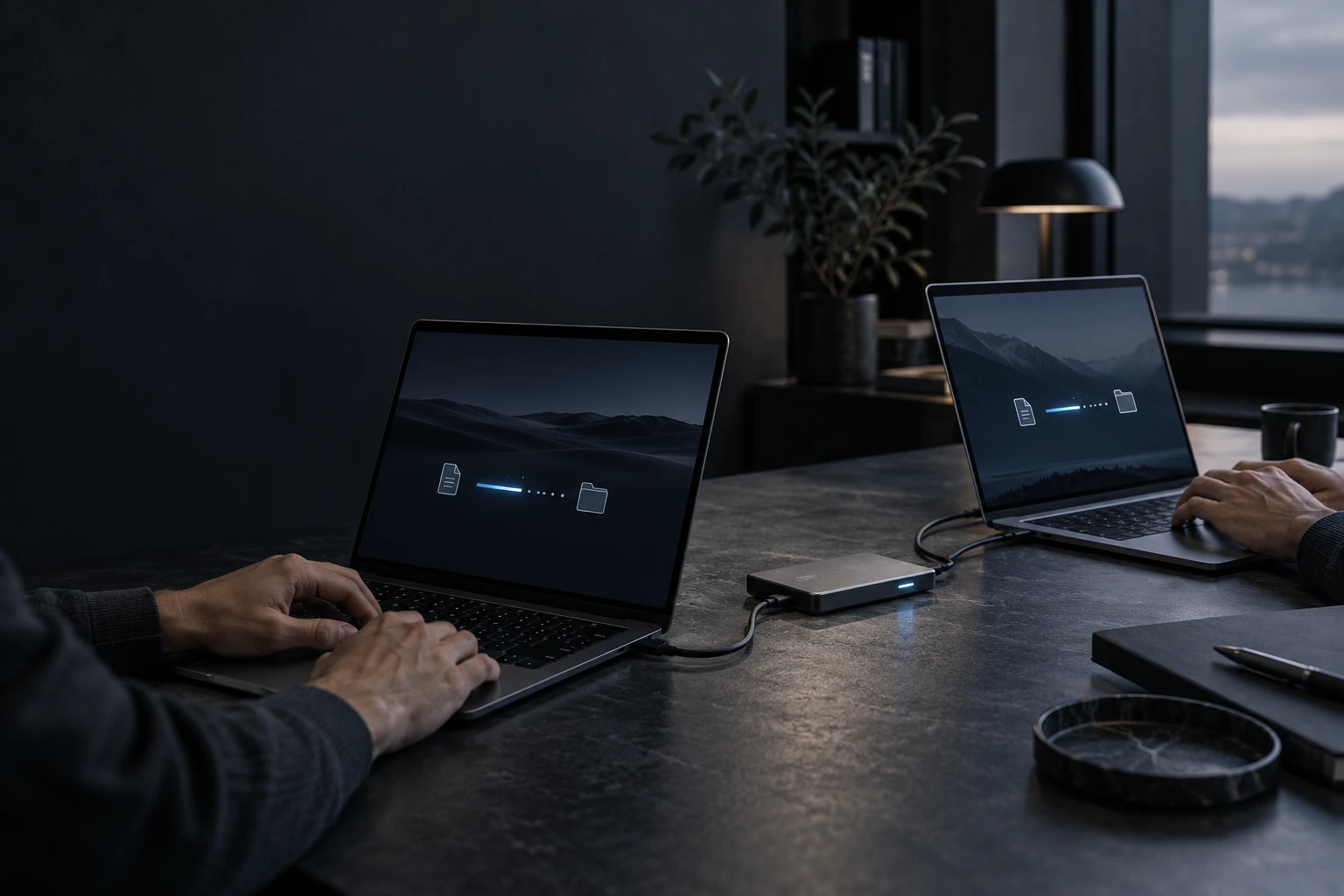
Data migration
Move the files you need. Know what arrived.
Data migration in Greater Austin for a new computer or storage device. We agree on the files to move, check source and destination readiness, transfer the data and verify the agreed result.

AT YOUR HOME
OR OFFICE
IN GREATER AUSTIN

SCOPE AGREED FIRST
Identify the folders, devices and volume to be transferred.

SOURCE PRESERVED
Agree on any changes; deletion is not part of the transfer.

CONTROLLED TRANSFER
Use a method suitable for your devices and data.

VERIFIED DELIVERY
Check selected files and folders on the destination.

COMPUTER & DRIVE DATA TRANSFER
Move to a new computer or back up your data
Changing computers, replacing a drive or making a separate backup should not leave your files behind. We copy the agreed data to your chosen computer or storage device and check the transfer.

Switch to a new computer
Move your documents, photos and working files so you can continue on your new device.
Move to a different drive
Transfer accessible data when replacing a storage device or moving to a larger one.
Create a separate backup copy
Copy the agreed files to another drive or device so they are not stored in only one place.
MOVE TO YOUR NEW COMPUTER
KEEP A SEPARATE DATA COPY
VERIFIED RESULTS
SERVICE DETAILS
Exactly what’s included
The agreed service covers the items below. Separate work and purchases are quoted for your approval.
INCLUDED IN SERVICE

Source & target review
Files & volume agreed
Selected data transfer
Transfer exception review
Sample file verification
Transfer summary

SEPARATELY

Storage devices
Extra data volume
Additional devices
Data recovery
Windows installation
App reinstallation
SERVICE PROCESS
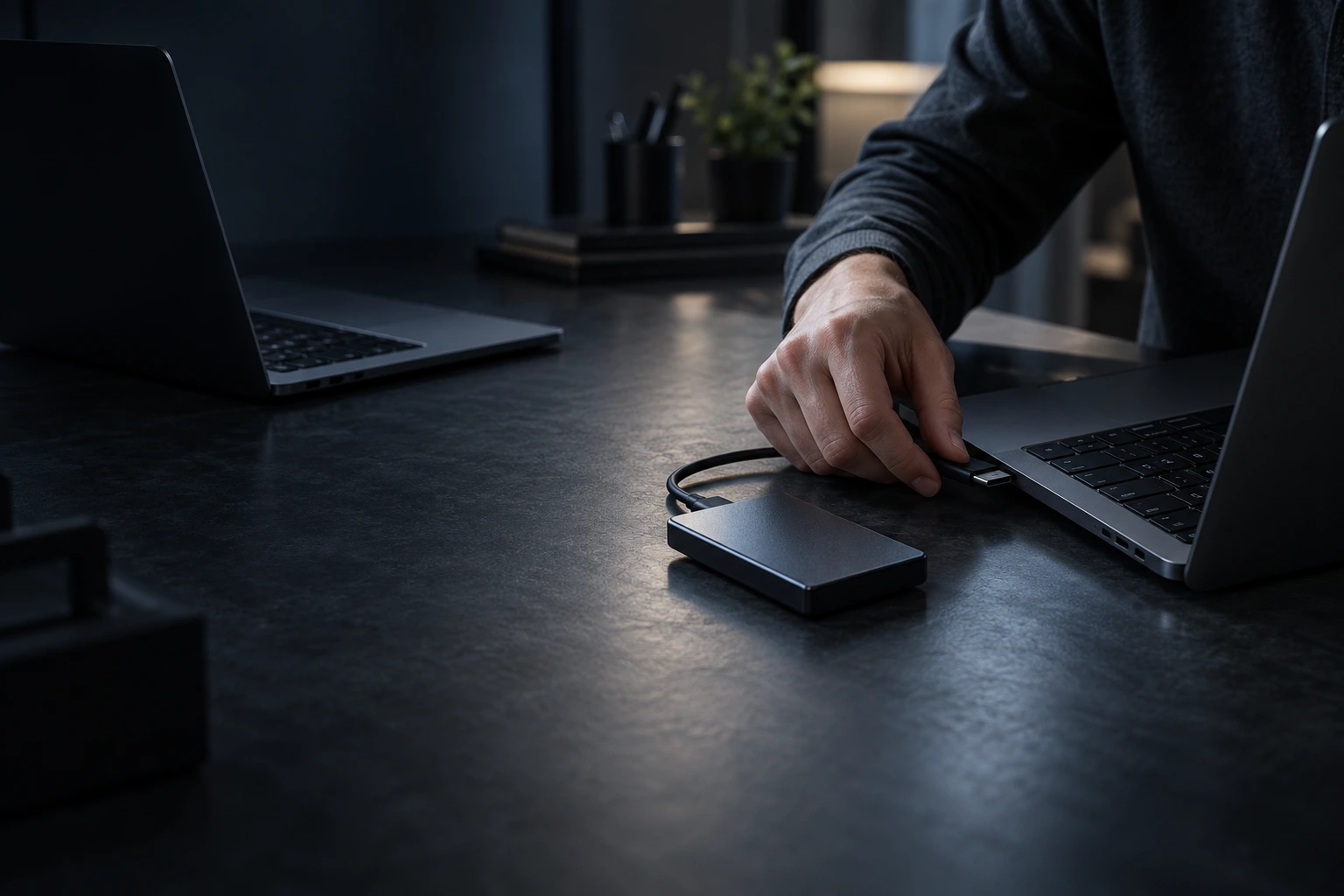
How we migrate your data
Each step is explained, from the initial checks to the final handover. You know what is planned and what has been completed.
01

DEFINE
We agree on devices, folders, volume and the destination.
02
PREPARE
We check available space, access and source-drive condition.
03
TRANSFER
We copy the agreed accessible data using a suitable method.
04
VERIFY
We check the destination and document any skipped or inaccessible files.
WHY OUR SERVICE IS PREMIUM
Your files moved with a clear scope
We agree on what success means before copying begins: which files, where they should go and how the result will be checked.

TRANSFER AGREED
Agree the folders and destination first.
VOLUME CHECKED
Confirm transfer volume before work begins.
COPY VERIFIED
Check selected files at the destination.

EXCEPTIONS LISTED
Explain skipped files and transfer exceptions.
BEFORE WE BEGIN
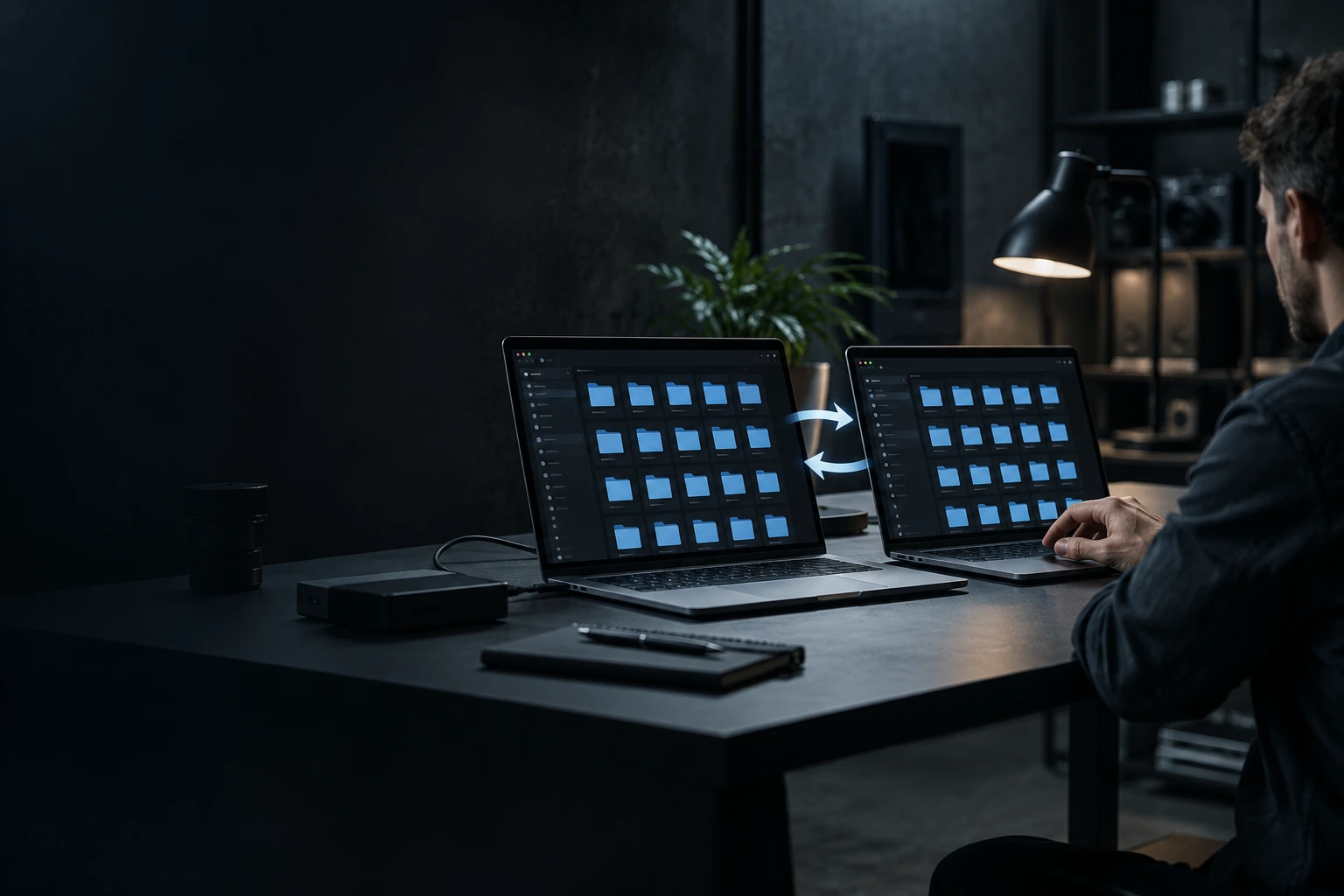
What to prepare before migration
Have both devices and the agreed destination available. The transfer depends on accessible source data and enough destination space.
FILES & DEVICES
Check the equipment needed for the agreed service.
Source device ready
Target device ready
Files & folders agreed
Free space checked
Power & cables ready
Transfer volume agreed
ACCESS
You control sign-in, permissions and approvals.
You control sign-in
Recovery key if needed
Cloud files ready
Backup needs reviewed
Drive faults disclosed
Source drive preserved
TRANSPARENT PRICING
Data migration pricing
A fixed price for each transfer volume. We confirm the amount of data before starting.
$ / GB
PRICE BY DATA VOLUME
Up to 120 GB
$99
120 GB - 250 GB
$129
250 GB - 512 GB
$159
512 GB - 1 TB
$189
Over 1 TB
Quote

FOLDERS AGREED FIRST
You choose which folders and files we copy.

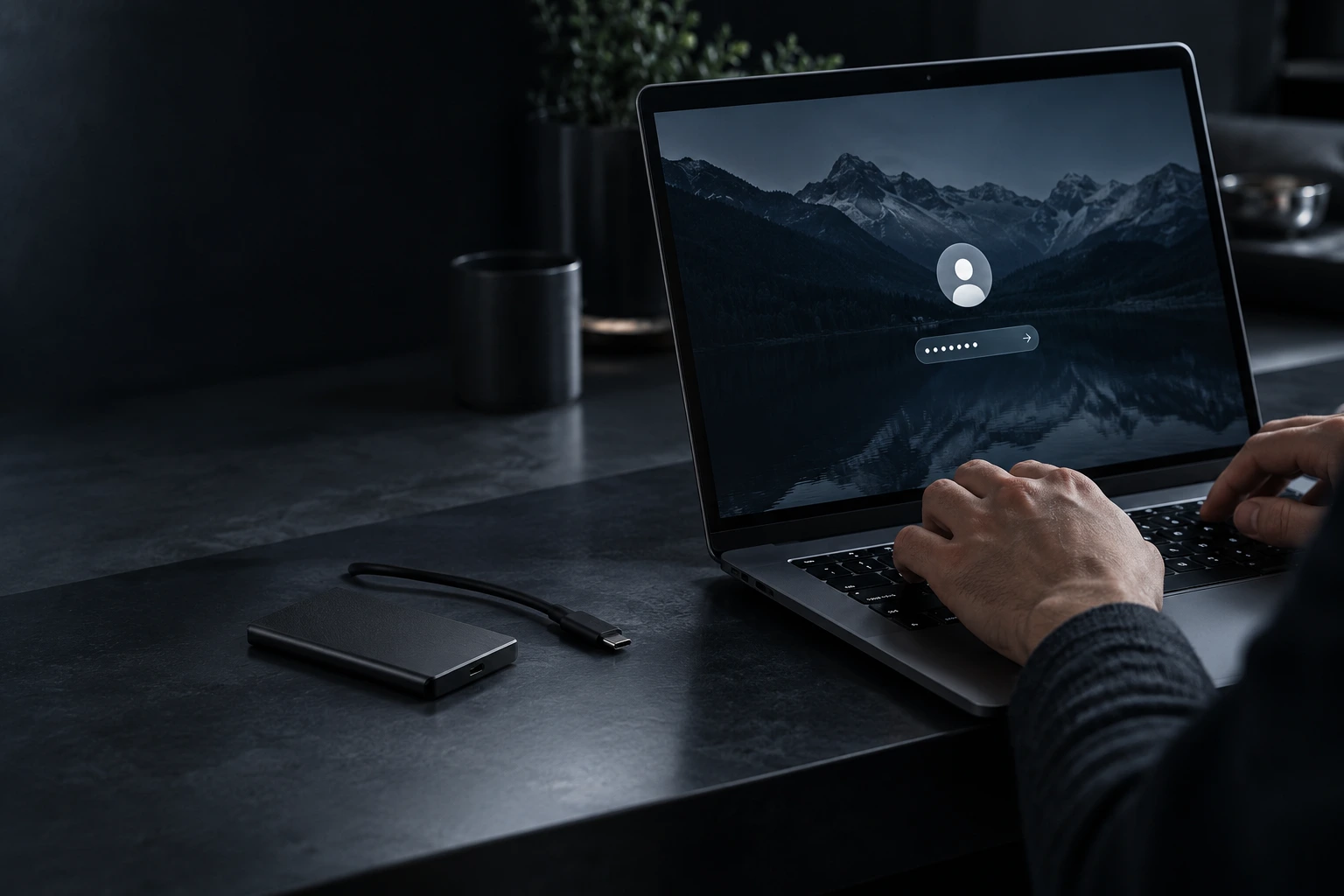
YOUR SIGN-IN CONTROL
Enter account passwords yourself when needed.

SOURCE PRESERVED
Source-drive erasure is outside the transfer service.

NO VISIT RECORDING
We do not record video during the service visit.
YOUR DATA IS YOURS
Privacy throughout your file transfer
Checks focus on data migration. You control account access and approve any work that could affect personal files.
FREQUENTLY ASKED QUESTIONS
Data migration FAQ
Will my programs move with my files?

Will you delete data from the old device?
What does data migration cost?
Pricing starts at $99 for up to 120 GB. The fixed price depends on the volume and is confirmed after we check the transfer scope.
Can you recover files from a failing drive?
How is the transfer checked?
We review the agreed destination folders and selected files, and record transfer errors or inaccessible items in the summary.
CLEAR RESULTS
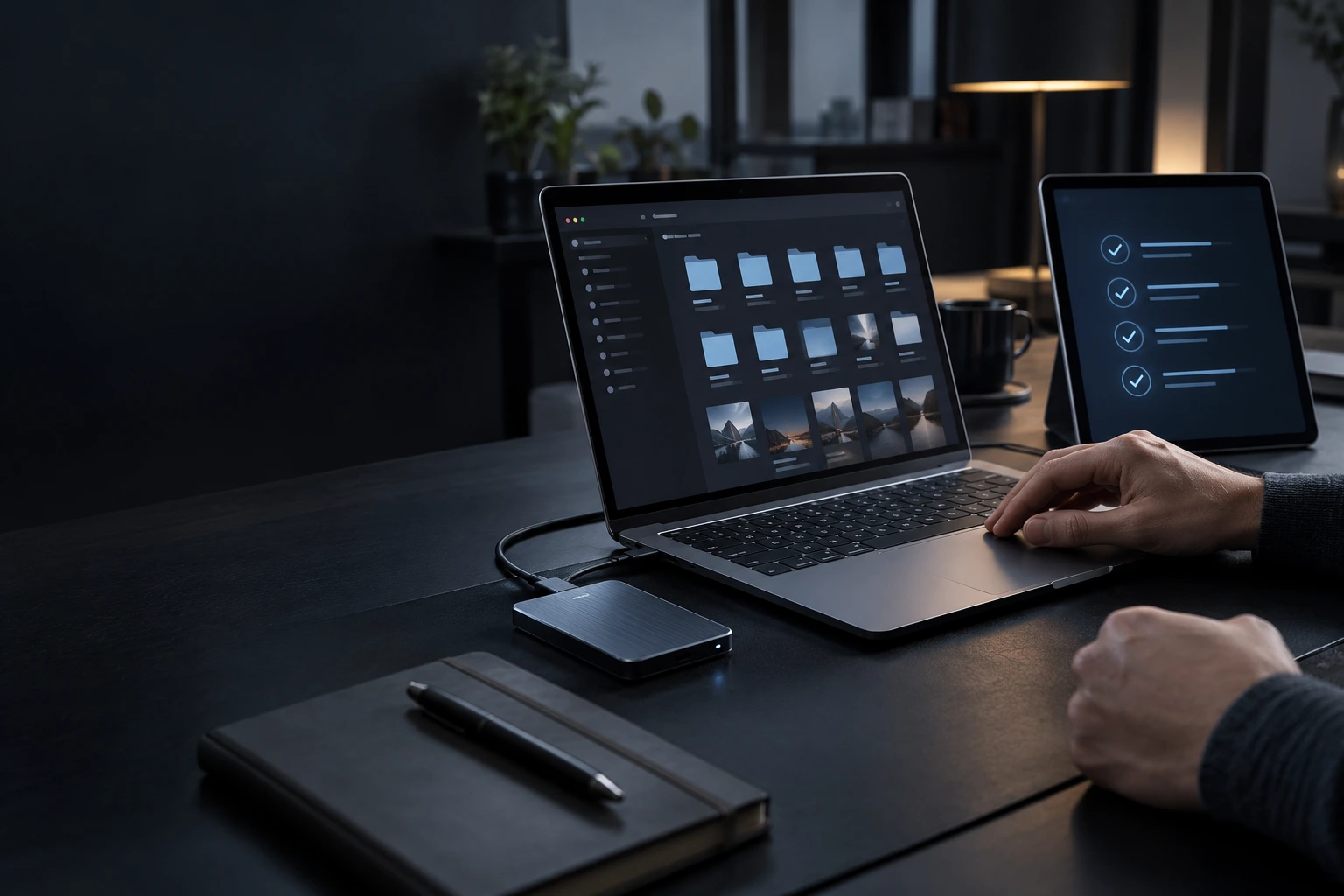
Know what moved and what needs attention
Your migration summary records the agreed scope, completed transfer and verification, including any files that could not be copied.
YOU WILL RECEIVE
Completed data migration scope

Notes from source and destination assessment
Results of agreed function checks
Remaining concerns and recommended next steps
Any separate work discussed with you

Digital service report by email
REVIEWS OF TEXET SERVICES
Trusted by homes and businesses
We’ve helped customers across Greater Austin get more life from their computers with professional, reliable service and honest advice.

“I moved from an older PC to a new one and mainly cared about making sure my documents and photos came across safely. TEXET handled the transfer and verified the files.”
Robert C.
Austin, TX
“I had years of personal files on the old computer and didn't want to figure out what folders Windows had stored everything in. The migration made the move much easier.”
Laura N.
Cedar Park, TX
“The old drive was still working, so this was a straightforward migration rather than data recovery. I liked knowing exactly what was being transferred.”
Dennis R.
Round Rock, TX
“My biggest concern was losing family photos during the switch to a new laptop. The files were transferred and checked before the old computer was disconnected.”
Angela M.
Georgetown, TX
LET’S MAKE IT HAPPEN
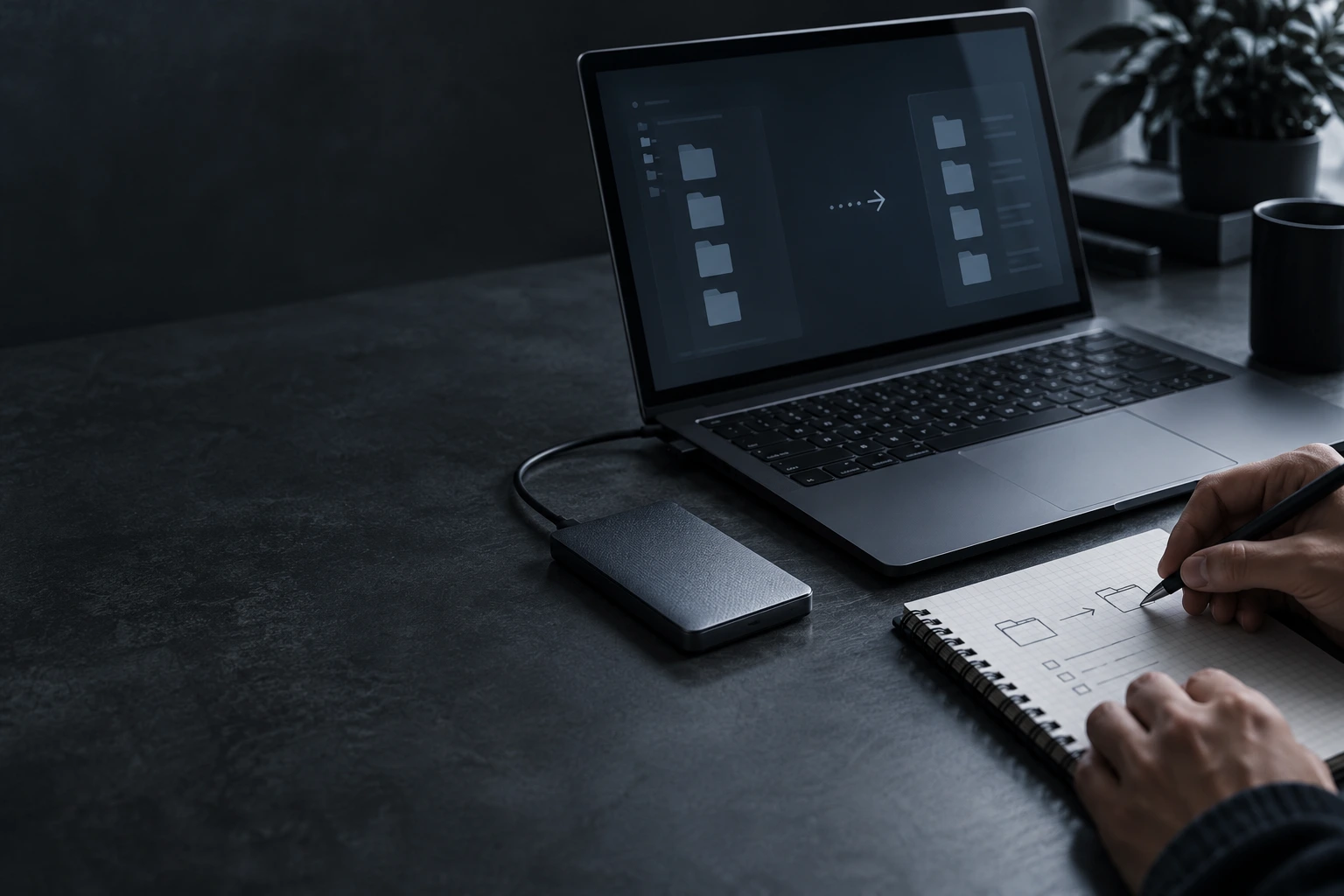
Plan your data migration
Tell us where your files are now and where you want them to go.

Convenient visits

Professional care

Trusted by Texans
Call us: (512) xxx xx xx
REQUEST SERVICE

We are online
By submitting this request, you agree to the TEXET AI assisted support, Terms of Service and Privacy Policy.


